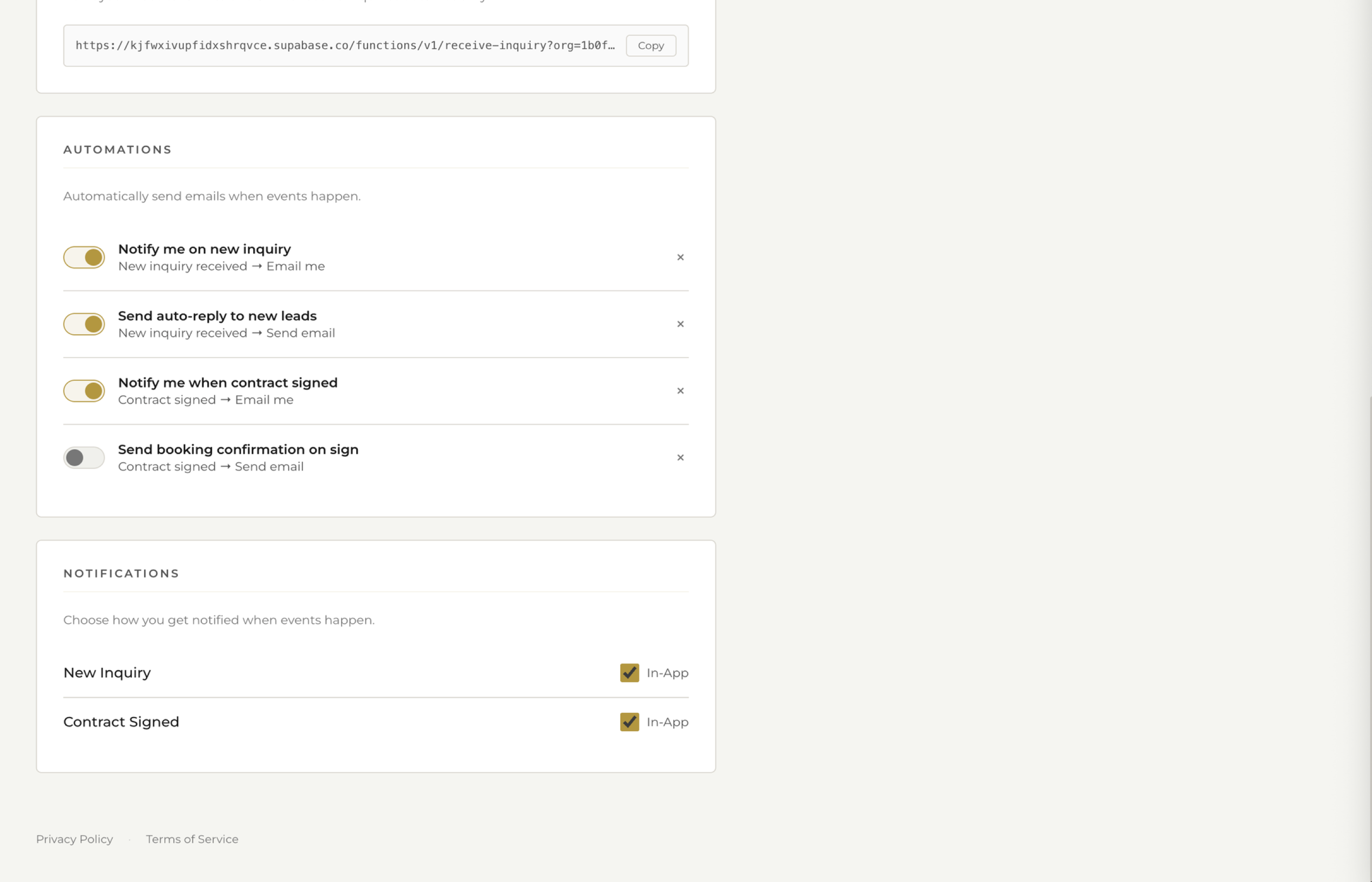
Email Automations
Trigger emails when inquiries come in, contracts are signed, or at any step in your workflow. Never miss a follow-up again.
Start Free Trial
What's Included
From instant inquiry responses to booking confirmations, fstop sends the right email at the right time without you lifting a finger.
New inquiry arrives, auto-send your pricing guide. Contract signed, fire off a confirmation. Payment received, deliver a receipt. Each automation fires when the right event happens.
Every automated email comes from YOUR Gmail address, not a generic no-reply sender. Clients see your name, your email, and can reply directly to you. It feels personal because it is.
Enable or disable any automation rule. Choose which email template each one sends. Configure each rule to match exactly how your business operates. Full control, zero guesswork.
How It Works
Set up an automation in under a minute. Pick a trigger, choose a template, and flip the switch.
Select when the automation fires. New inquiry submitted, contract signed, payment received, or any other event in your client workflow.
Choose which branded email template to send. Your pricing guide, booking confirmation, thank-you note, or any template you have built in fstop.
Flip the switch and fstop handles the rest. Emails go out from your Gmail automatically the moment the trigger fires. No delays, no manual steps.
Popular Setups
Here are the most common automations our users set up on day one.
Send your pricing guide or welcome message the moment a new inquiry arrives. Respond in seconds, not hours.
As soon as the contract is signed, send a confirmation email with next steps. Your client feels taken care of instantly.
Automatically send a branded receipt when a payment is received. Your client gets confirmation and you stay organized.
Nudge leads who haven't responded to your initial outreach. A gentle follow-up can be the difference between booked and lost.
Set up your first automation in under a minute. Trigger-based emails, sent from your Gmail, included in every plan.
Start Free Trial