Website Integration Guides
Embed your branded inquiry form or connect your existing form via webhook. Either way, new leads land in your fstop pipeline instantly.
Two Ways to Connect
Every platform guide below covers both methods. Pick the one that fits your setup.
Design a beautiful form in fstop's form builder that matches your brand. Copy the code snippet. Paste it on your website. Submissions go straight to your pipeline.
Works on any platform that supports HTML embeds.
Keep your existing contact form and point it at your unique fstop webhook URL. Your form stays exactly the same — submissions just get forwarded to fstop.
Requires your platform to support webhooks or automations.
ShowIt doesn't support outgoing webhooks from its built-in forms. The embed method is your best bet — and honestly, the fstop form will look better and give you more control than ShowIt's default form anyway.
Any Platform
If your website builder supports HTML embed codes, you can embed a fstop form. That covers most platforms — Webflow, Pixieset, Zenfolio, Format, Smugmug, Weebly, and more.
If your platform supports outgoing webhooks or integrates with Zapier, you can keep your existing form and pipe submissions to fstop.
Not sure? Email us at hello@fstopcrm.com and we'll help you figure it out.
Form Builder
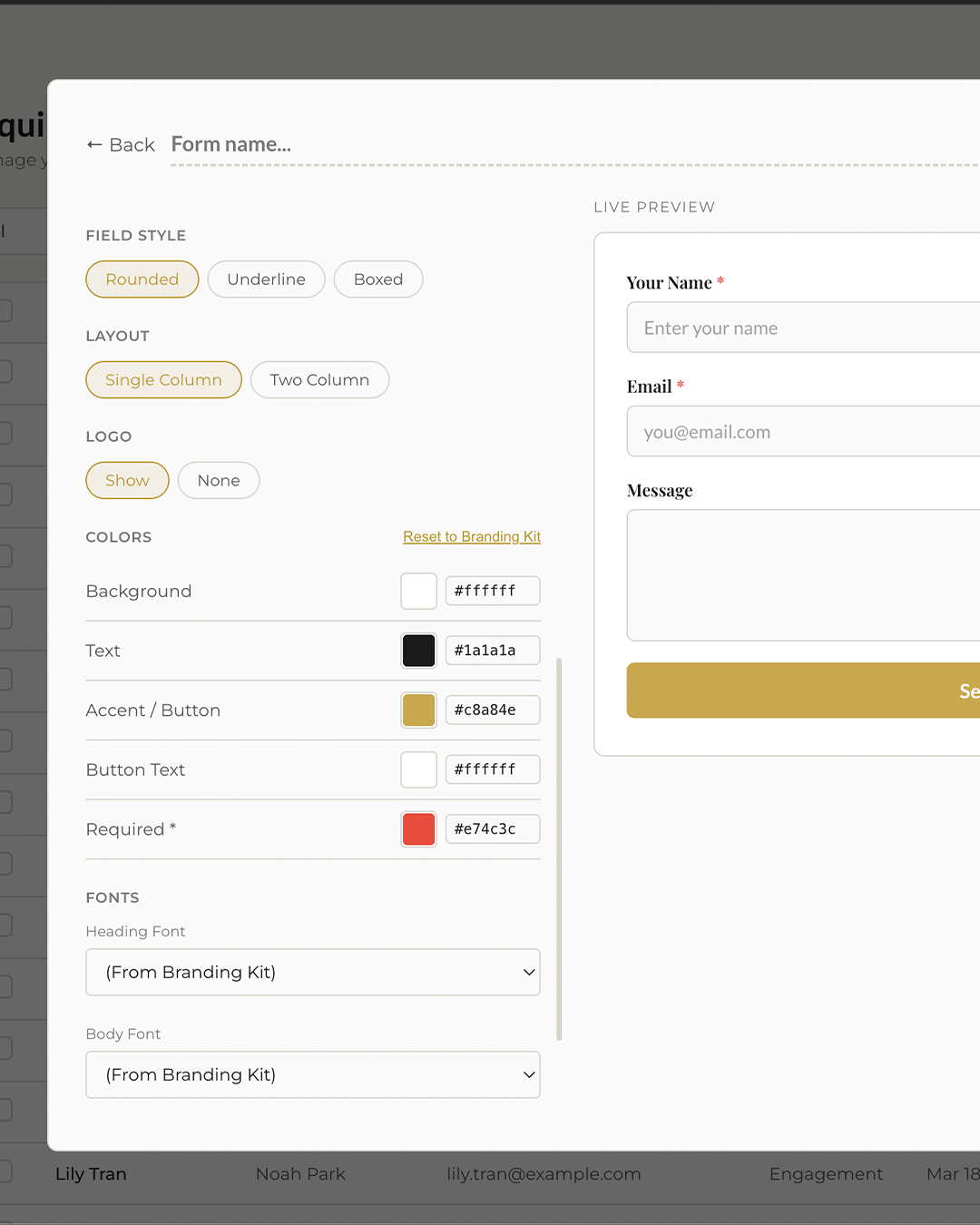
The form builder lets you create a fully branded inquiry form without touching code. Choose your colors, fonts, fields, button style, and layout. Copy the generated snippet. Paste it on your website. Done.
Sign up, build your form, and embed it — all in under 15 minutes.