Tutorial
Create custom questionnaires for weddings, portraits, or any shoot — send them to clients and collect responses in one place.
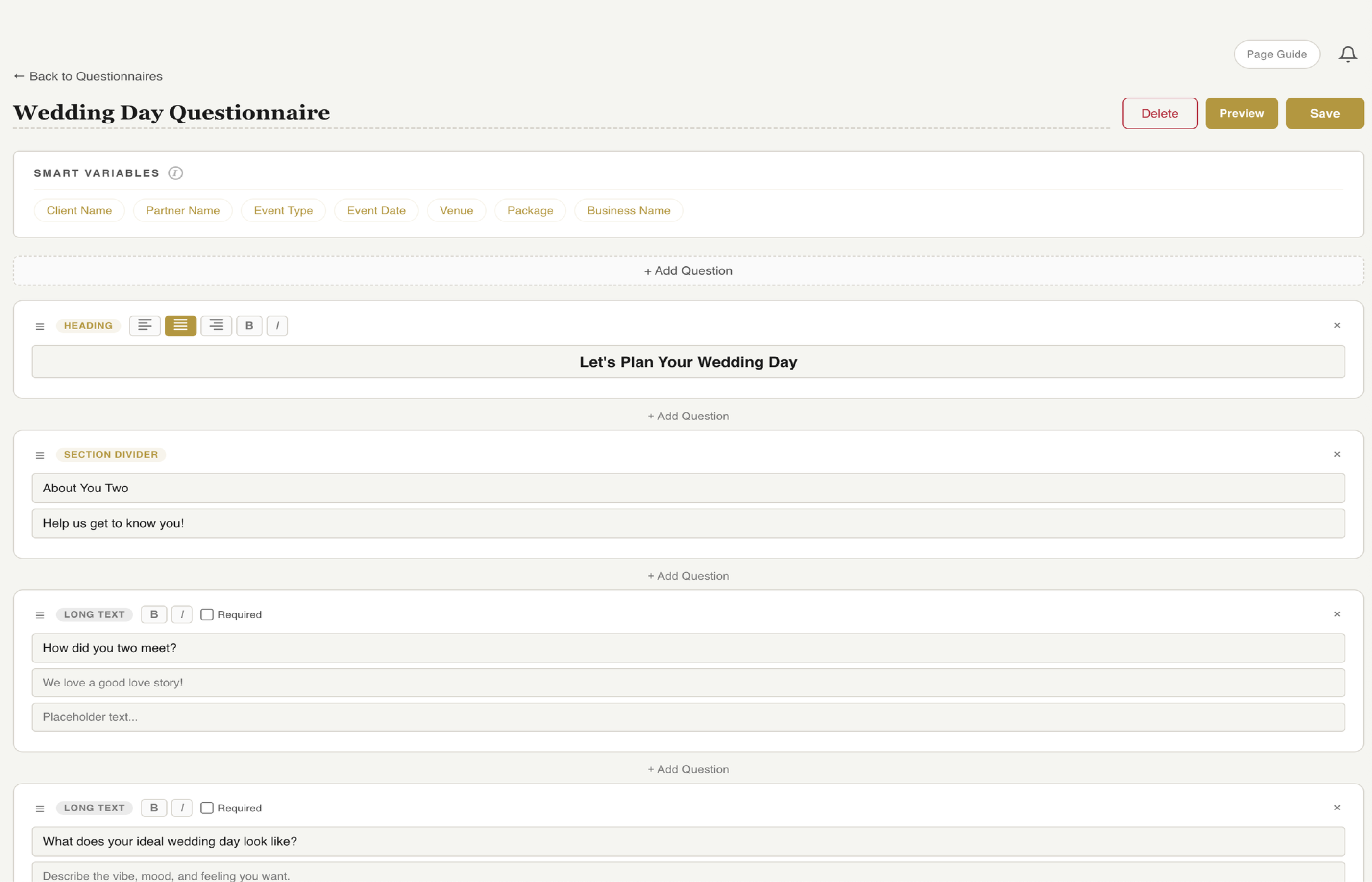
Start from scratch or duplicate an existing one. Name it based on the shoot type — Wedding Questionnaire, Portrait Prep, Engagement Session Details. You can create as many as you need for different types of work.
Choose from text fields, multiple choice, date pickers, time selectors, and dropdowns. Mix and match question types to capture exactly the information you need for the shoot.
Group questions into sections like Timeline Details, Vendor Information, Shot List Preferences, and Special Requests. Sections keep long questionnaires easy to navigate so clients don't feel overwhelmed.
Send the questionnaire via email or share it through the client portal. Clients get a clean, branded form they can fill out at their own pace — no app download needed.
The questionnaire is mobile-friendly and saves progress automatically. Clients don't have to finish it in one sitting — they can come back to it whenever they have time.
Responses appear on the client page as soon as they're submitted. See all answers at a glance without switching apps or digging through email threads.
Use the questionnaire responses to build your timeline, plan your shot list, coordinate with vendors, and prepare for any special requests. Show up on shoot day knowing every detail.
Ask the right questions, get organized answers, and show up prepared every time.
Key Takeaways
Text, multiple choice, dates, dropdowns — build exactly what you need.
Clean interface clients can fill out at their own pace.
Know every detail before you show up on shoot day.
Try fstop free for 7 days.