Tutorial
Create invoices with line items, send them to clients, split into retainer and final payment, and track everything from one dashboard.
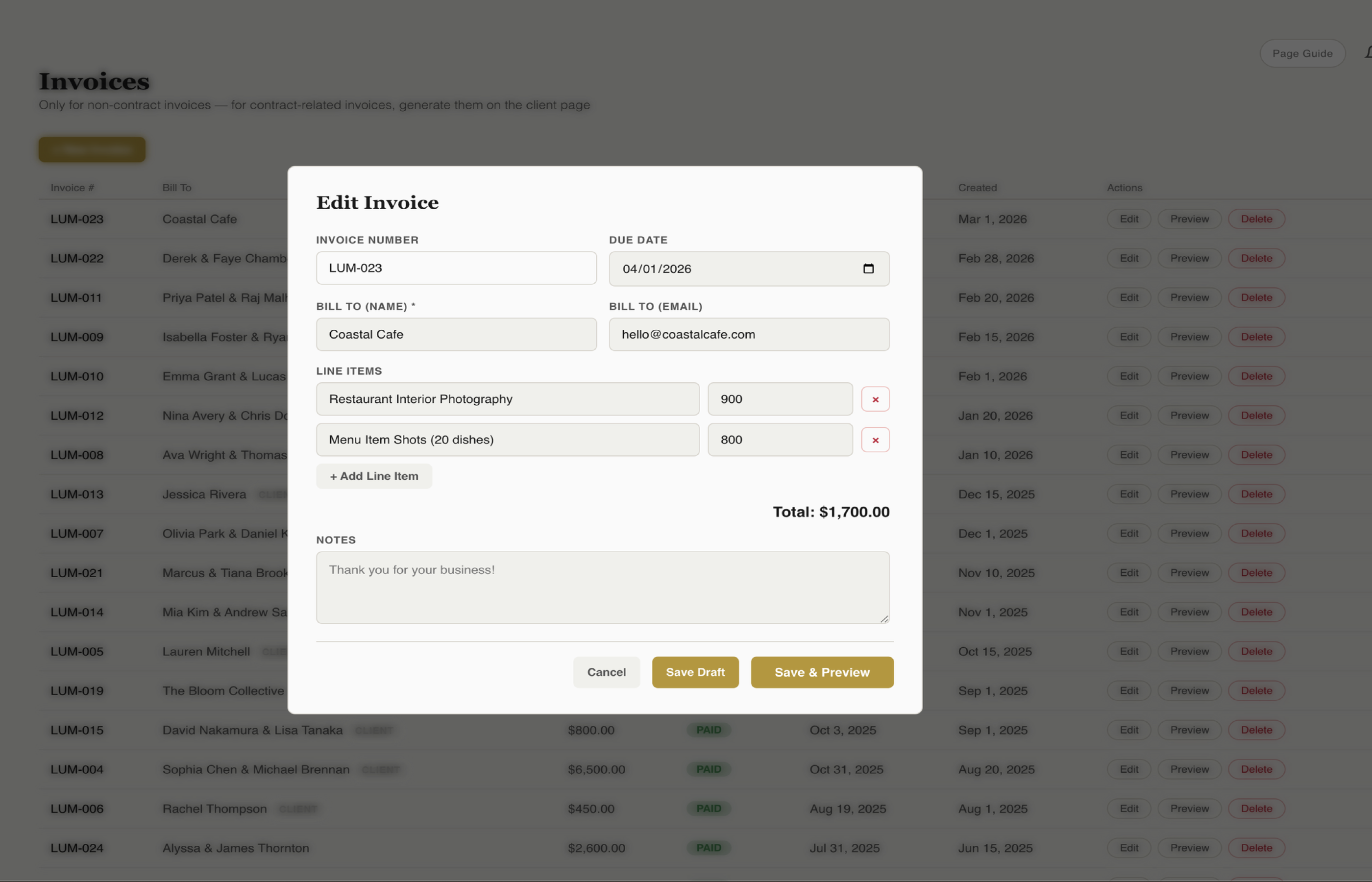
From the client page, create a new invoice in one click. The client's name, email, and event details are pre-filled automatically so you're not retyping information you've already captured.
Add your packages, add-ons, travel fees, or any custom line item. Each item gets a name, description, quantity, and price. Build the invoice to match exactly what the client booked.
Split any invoice into a retainer payment and a final payment with separate due dates. Most photographers collect a retainer at booking to secure the date and the balance 1-2 weeks before the event.
Assign a due date to each payment. Clients see exactly when each payment is due and can pay ahead of schedule if they want. No confusion, no awkward reminders.
Send the invoice to your client with one click. They receive a branded email with a link to view the invoice and pay online. The email comes from your Gmail so it feels personal.
Clients click the payment link, review the invoice details, and pay online. No checks in the mail, no Venmo requests, no chasing people down. You get notified the moment payment hits.
See all invoices, payment statuses, and your total revenue at a glance. Filter by paid, unpaid, or overdue to stay on top of cash flow. Know exactly where your business stands at any moment.
Send professional invoices, get paid on time, and stop chasing payments.
Key Takeaways
Split any invoice into retainer and final payment with separate due dates.
Send branded invoices via email — clients pay online instantly.
See who's paid, who hasn't, and your total revenue at a glance.
Try fstop free for 7 days.