Tutorial
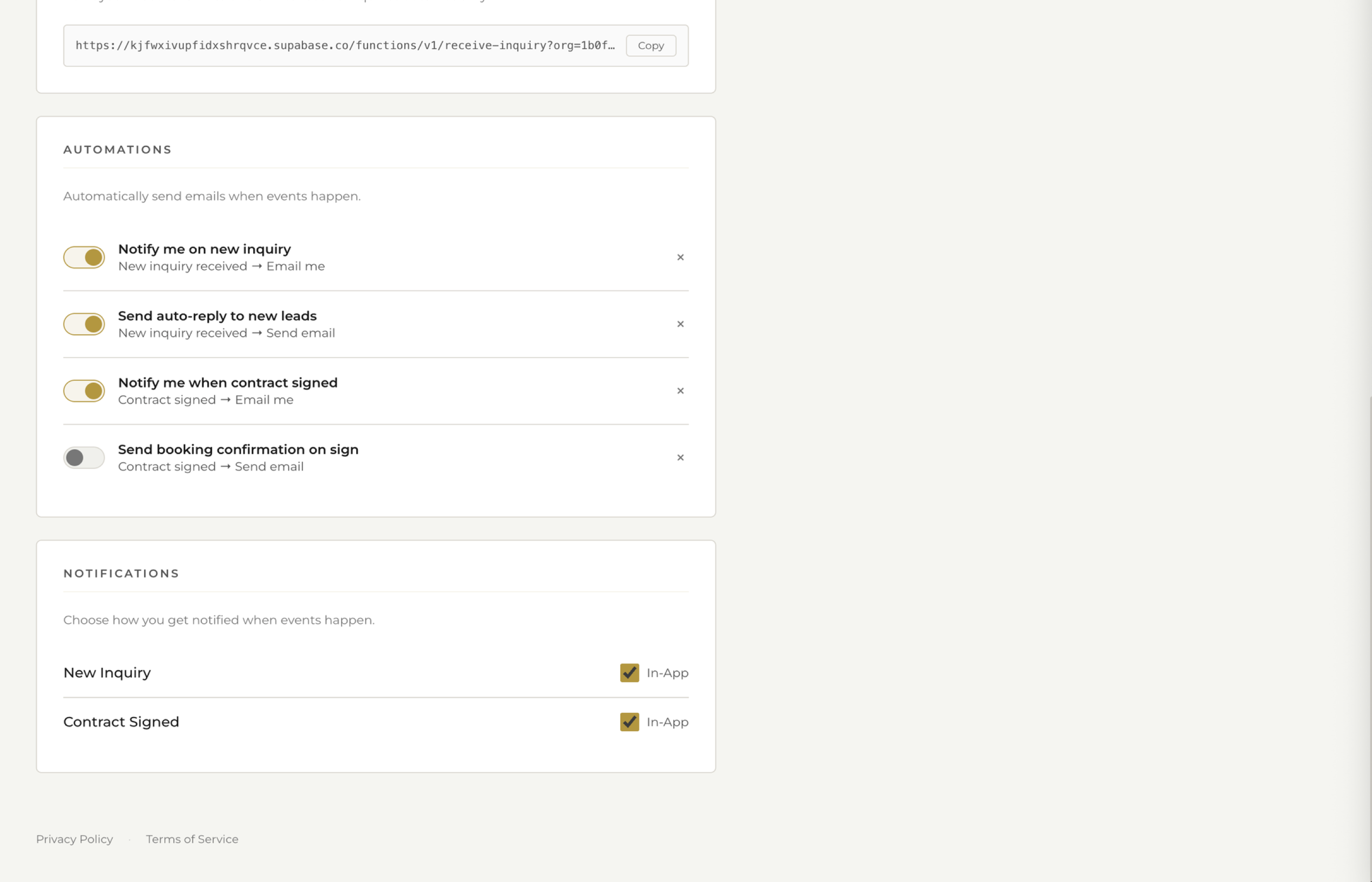
Automatically send emails when a new inquiry comes in, a status changes, or a payment is received. Set it once, never think about it again.
Automations pair a trigger with an action. When something happens — a new inquiry arrives, a lead status changes, a payment is received — fstop automatically does something, like sending an email template. No manual intervention required.
Set up an automation to send your initial inquiry response the moment a lead comes in. Speed matters — the first photographer to respond often gets the booking. An instant reply keeps you in the running even when you're on a shoot.
When you move a lead to a new status like Contacted or Follow Up, trigger a relevant email automatically. Your pipeline stays organized and your communication stays consistent without you thinking about it.
When a client pays an invoice, send an automatic thank-you email with next steps. It's professional, it's instant, and it reassures clients that their payment went through.
Each automation uses one of your email templates. Smart variables fill in the client's name, date, venue, and other details automatically. Every email feels personal even though it's fully automated.
Submit a test inquiry or change a lead status to see your automation fire. Check that the right template sends with the correct details filled in before you rely on it for real leads.
Automate the repetitive stuff — initial responses, follow-ups, payment confirmations. Keep the personal stuff manual — custom proposals, day-of communication, anything that needs a human touch. The goal is to free yourself up for the moments that matter.
Set it once, and your most important emails send themselves.
Key Takeaways
New inquiries get a response the moment they arrive.
Configure once and let fstop handle the repetitive emails.
Automate the routine so you have time for the personal touches.
Try fstop free for 7 days.